
Check your fabric
Different fabric counts change the finished size. Compare options to find the right look for your project.
Plan the size. Picture the finish.
Visualize your cross-stitch project with actual measurements, calculate your fabric cut and see how it will look in a frame.
Enter your design details, choose your fabric and frame, and see the exact measurements.
Shared measurements loaded. Artwork uses the botanical sample; custom uploaded artwork remains on its original device.
| Fabric count | Design size (inches) | Minimum cut (inches) |
|---|
Stitched area outlined in green.
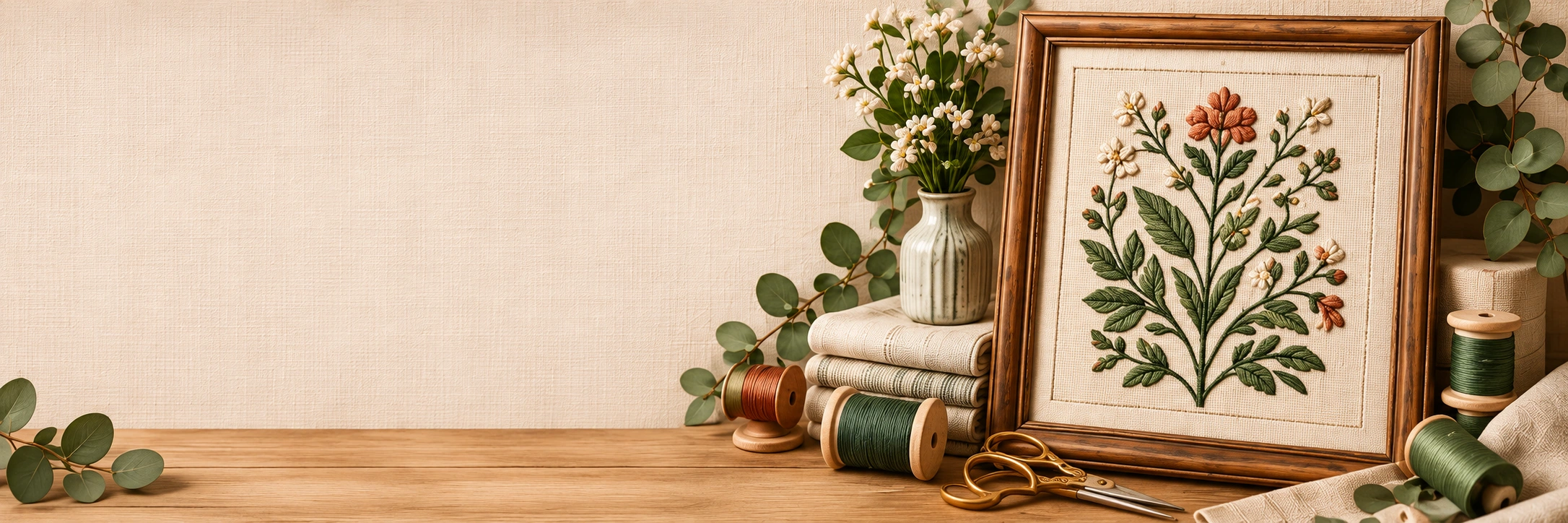
Illustrative botanical artwork.
Different fabric counts change the finished size. Compare options to find the right look for your project.

Add a border on every side for framing, finishing or mounting your design.

Make sure your design fits the frame opening, with even space on all sides.
No. The botanical artwork is illustrative. Enter your actual pattern's stitch counts separately. An uploaded image changes the local artwork preview; it is not converted into a counted stitch chart.
Yes. The minimum cut is the stitched design plus two borders along each dimension.
The result checks only whether the stitched design fits geometrically inside the opening, centered. Physical mounting, glazing and finishing clearance are not verified.